GPT
相关工具集
GPT私有化部署
部署ChatGPT网页应用
DeepSeek
VsCode集成
Open Web-UI
Ollama
keep AI告警
FastGPT工作流
Dify 工作流
n8n工作流
Hexstrike-AI 渗透测试
Opencode
nodejs
Vibe kanban(AI任务管理看板)
Openclaw
配置示例
飞书对接
局域网访问
ACP
claude code
本文档使用MrDoc发布
返回首页
-
+
ACP
2026年3月7日 07:41
admin
#安装 openclaw plugins install @openclaw/acpx --- npm install -g @agentclientprotocol/claude-agent-acp --- npm install -g acpx --- #配置内容 vim ~/.acpx/config.json --- { "agents": { "claude": { "command": "npx -y @agentclientprotocol/claude-agent-acp" }, "codex": { "command": "npx -y @zed-industries/codex-acp@0.9.5" } }, "auth": { "token": "ab8555c9257e4905cdc43568ce6a7e942ba0551f48fcfafb" } } --- # 启用 acpx 插件 openclaw config set plugins.entries.acpx.enabled true ### 设置权限模式(自动批准所有操作) openclaw config set plugins.entries.acpx.config.permissionMode approve-all ### 启用 ACP 功能 openclaw config set acp.enabled true openclaw config set acp.dispatch.enabled true openclaw config set acp.backend acpx ### 设置默认 Agent openclaw config set acp.defaultAgent claude --- # 重启 openclaw gateway restart --- #使用 ##方式1:Direct acpx CLI(直接命令行) 适合:简单任务、one-shot、调试 基本命令 # 一次性执行(one-shot) acpx claude exec "你是谁?" # 对话模式(在一个 session 里连续对话) acpx claude sessions new --name my-session acpx claude -s my-session "你是谁?" acpx claude -s my-session "继续,解释下上面的代码" 在 OpenClaw exec 里调用 acpx claude exec "写一个快速排序函数" --format quiet --- 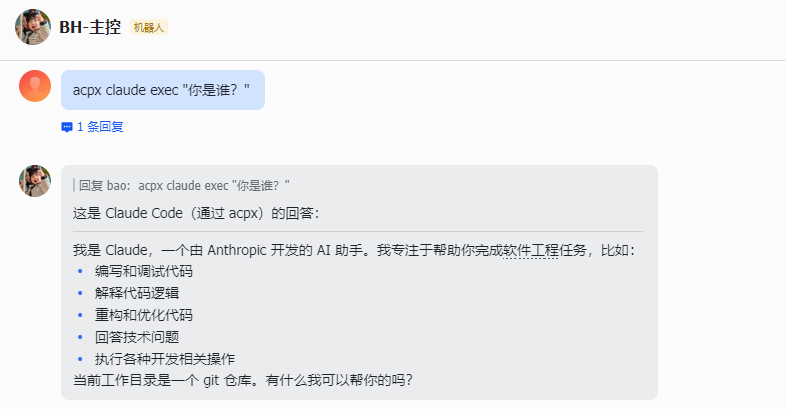 --- ##方式2:ACP Runtime(OpenClaw 托管) 适合:持久 session、复杂任务、需要 OpenClaw 管理生命周期 通过 sessions_spawn 调用 一次性任务(run 模式): 持久对话(session 模式): { "task": "你是我的代码助手", "runtime": "acp", "agentId": "claude", "thread": true, "mode": "session" } --- 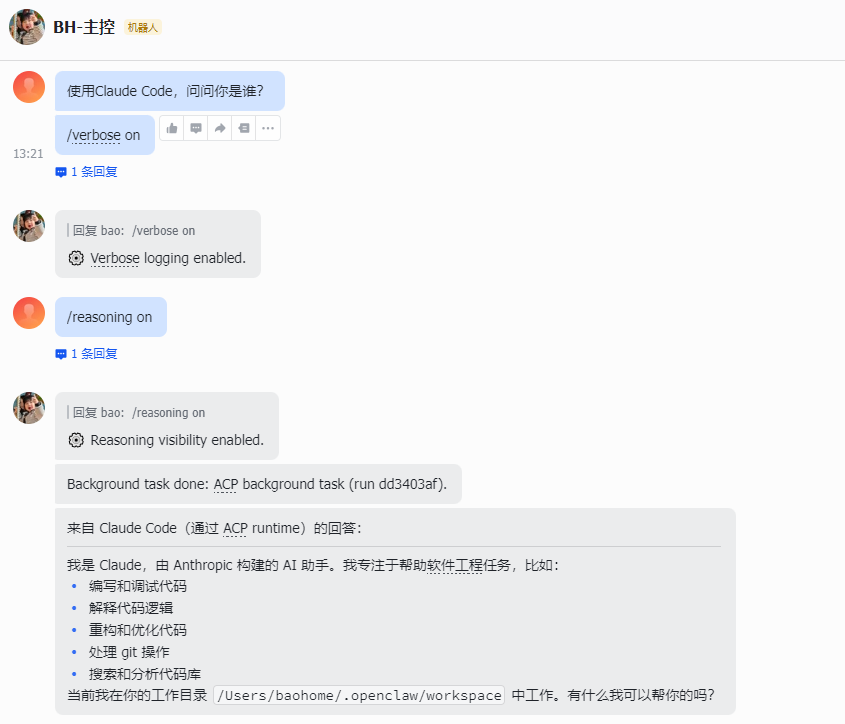
分享到: